
Addventure
Write interactive fiction played with pencil, paper, and addition.
Write interactive fiction played with pencil, paper, and addition.
Every verb and every object has a numeric ID. To interact, you add them together. If the sum exists in the potentials list, something happens. No dice, no electronics — just pencil, paper, and imagination.
The compiler assigns IDs automatically — authors write stories, not spreadsheets.
Pick a verb, pick a target, and see what happens.
Choose an action from the verb list. LOOK, USE, TAKE — each has a numeric ID.
Choose an object from the current room sheet or your inventory, or even the room itself.
Verb ID + Object ID. Just arithmetic.
Find the result in the potentials list. If it's there, something happens.
The story ledger has narrative text and physical instructions to update your sheets.
Cross out old IDs, write new ones. The game state lives on paper.
A compiled game is a printable PDF with four sheet types. Everything you need to play fits in a stack of paper.
The game introduction and the potentials list — every valid sum mapped to a ledger entry, the core lookup table for play.
Verb IDs for taking actions. Inventory slots for carried items you collect along the way.
One per location. Lists every visible object and its ID. Players flip between sheets as they move through the world.
Numbered narrative entries. Story text with physical instructions: cross out, write in, move items, change rooms.
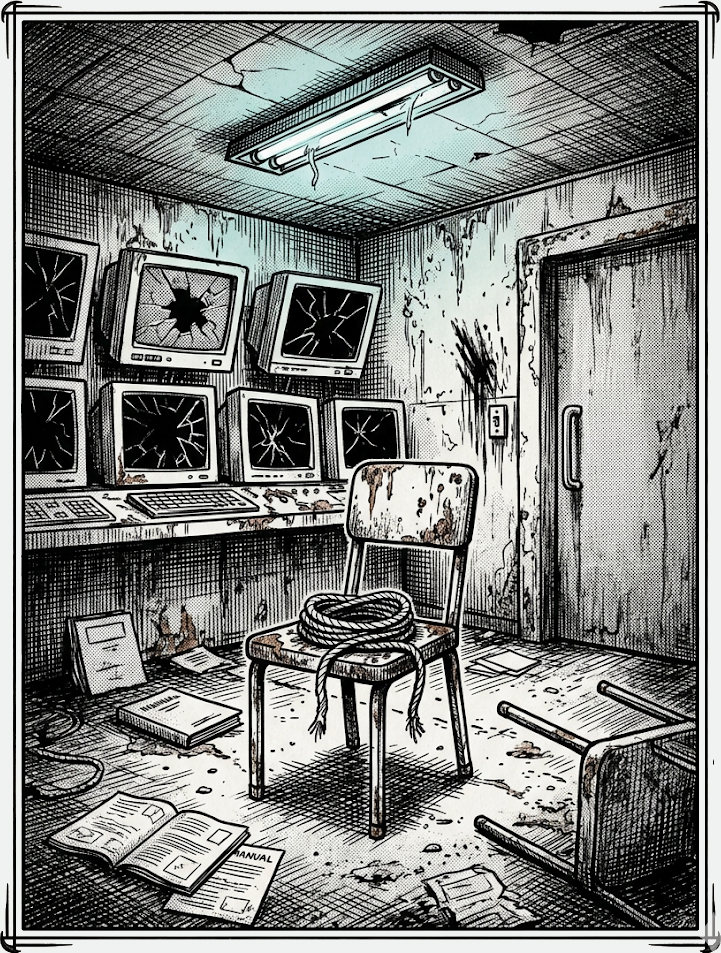
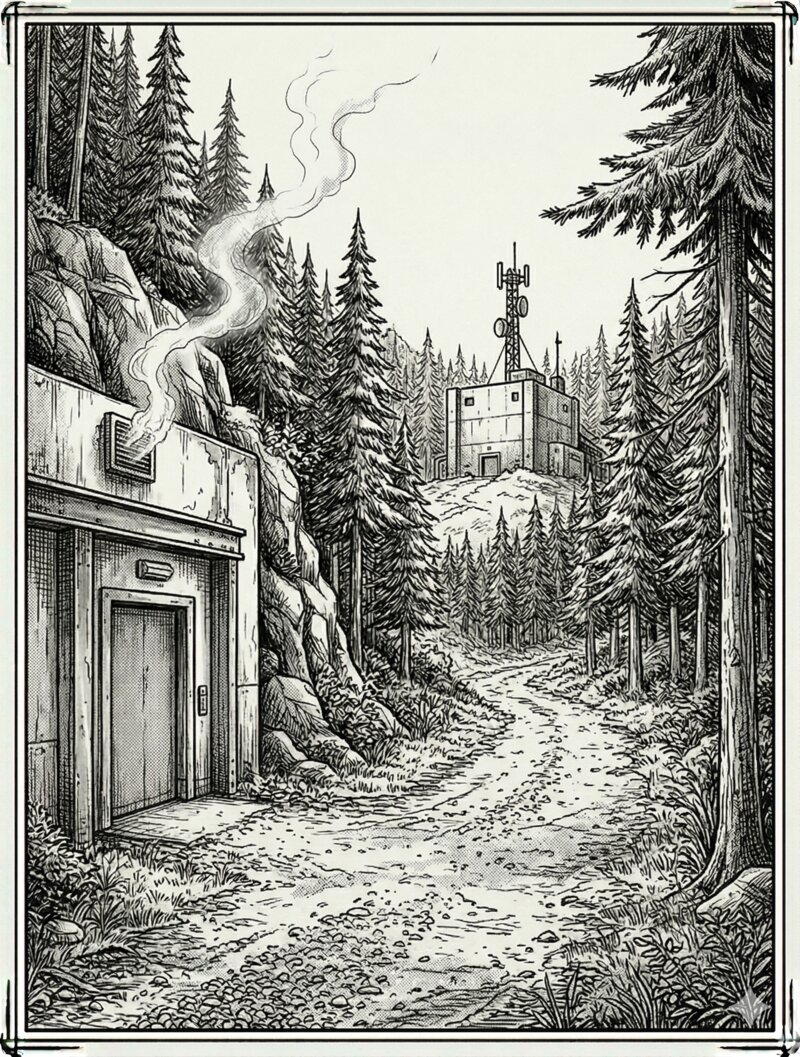
See it all come together.
Download “The Facility” — Example Game PDFA complete, printable game. Print it out and play right now.
Finished The Facility? Download the Epilogue
One command transforms your scripts into a complete, playable game package.
The compiler allocates all verb and object IDs automatically. Authors never touch a number — just write interactions and let the engine handle the maths.
Objects transform between states with OBJECT__STATE syntax. Child interactions inherit automatically.
Deferred triggers that fire when a player enters a specific room. Build puzzles that span the entire map.
The compiler validates that no two interactions produce the same sum. If collisions occur, it reallocates IDs automatically.
Generates print-ready PDFs with fillable fields via Typst. Players can write directly in the PDF or print and play with pencil.
Combine a verb with two targets — USE + KNIFE + BINDINGS. Wildcards match all room objects for catch-all responses.